
AI Can Draft, But Only Humans Can Say "Done"

The promise of Generative AI in the workplace is largely centered around a single, highly appealing concept: frictionless efficiency. The narrative suggests that by handing off our cognitive heavy lifting to a large language model, we will reclaim hours of lost productivity.
However, as organizations begin fully integrating these tools into their daily workflows, a new, unexpected operational tax is emerging. The friction hasn't disappeared; it has simply changed shape.
The Endless Redline: Why AI Doesn't Know When to Stop
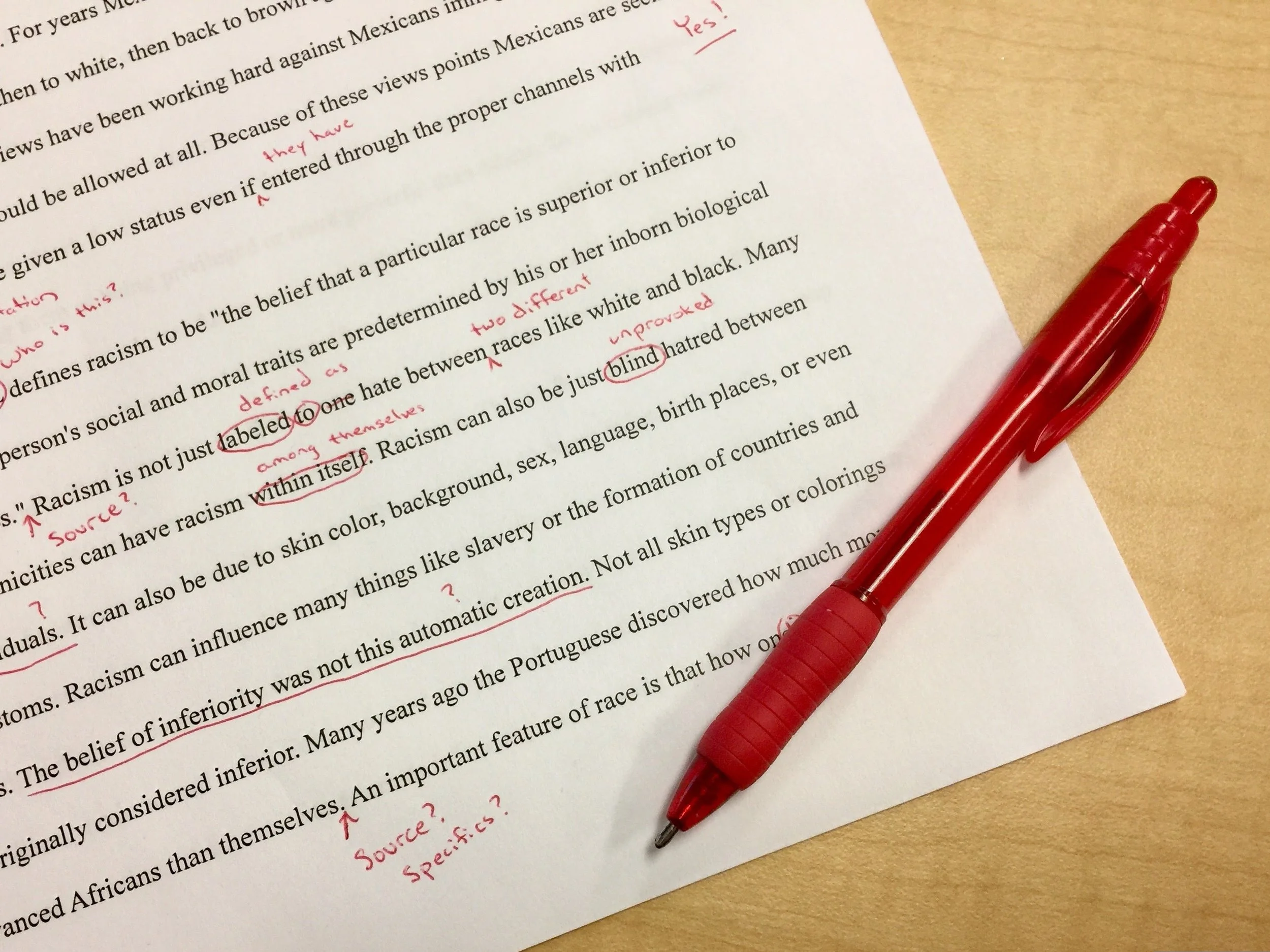
I was working with a legal leadership team the other day, discussing the real-world impact of AI on their operations. The consensus was clear: the technology is absolutely creating efficiencies in drafting and research. But ironically, it is also generating an increasing amount of back-and-forth redlining.
This points to a fundamental behavioral quirk or perhaps even a flaw in how AI models are designed. If you feed an AI a contract, an email, or a strategy document and ask for a review, it will almost always offer a critique, a tweak, or a total rewrite. I have yet to encounter an AI model that reviews a document and simply replies, "This is good to go. No further editing required."
Coincidentally I get similar proofing from my wife who is always good for adding commas, punctuation or other small edits to my work. Maybe I am married to a bot 😊
In the architecture of a language model, "helpfulness" is intrinsically tied to action. The AI operates under the assumption that if it doesn't provide a suggestion, it isn't doing its job. It lacks the human confidence, contextual awareness, and understanding of resource constraints to recognize when a document is already sound and clearly written.
The Shift from Drafting to Arbitrating
For highly technical groups, this relentless drive to optimize creates a distinct problem: the illusion of value in over-editing.
Instead of saving time, the cognitive load is merely shifted. Professionals who used to spend their energy drafting are now spending just as much time arbitrating an AI's relentless suggestions. Every synonym swapped and clause restructured by the AI forces the human operator to make a micro-decision: Is this actually better, or just different?
When an AI is treated as a peer reviewer rather than a baseline generator, teams risk falling into an endless redline loop, losing precious productivity to a machine's built-in perfectionism.
In my own experience when writing blogs, I take the approach of AI refinement versus a baseline generator. This post and all other posts I publish began with a draft that I wrote. I asked AI to review and refine it. I know others who start with an idea, prompt AI to write the draft and then they refine it through AI. I don’t like that approach as it robs the author of the opportunity to cultivate an idea into a concise message. This approach works well for me as it keeps my creative juices flowing and makes the output feel like my ideas and my writing style.
The Leadership Imperative: Defining "Done"
This operational bottleneck isn't just a technology problem; it is a leadership challenge.
As we continue to build AI into organizational workflows, the role of human leadership becomes less about generating content and more about establishing boundaries. Teams need clear, strategic parameters to prevent AI-induced decision fatigue. To maximize organizational effectiveness in the AI era, leaders must establish the following:
Set the Threshold for "Good Enough": Teams must understand the difference between a document that needs to be airtight and one that just needs to be communicative. Avoid analysis paralysis and overengineering.
Limit the Iterations: Establish norms around how many times a prompt or document should be fed back into the model for refinement.
Reclaim the Final Sign-Off: Empower employees to trust their own expertise over the AI's final suggestion.
Tactical Takeaway: How to Prompt AI for "Done"
If you want to stop the endless redline loop, you have to explicitly override the AI's default programming. To get an AI to say a project is finished, you have to redefine its success criteria.
The following are three prompts you can share with your teams to force AI to recognize when a document is ready, whether they are reviewing a strategic plan, a marketing email, or a project proposal.
1. The Binary "Pass/Fail" Prompt The cleanest way to stop an AI from over-editing is to strip away its permission to suggest stylistic tweaks and limit its output to a strict binary evaluation.
"Act as the final executive approver. Review the following text strictly for factual errors, logical gaps, or critical omissions. Do not suggest stylistic rewrites, synonym swaps, or minor preference changes. If the document meets high professional standards as written, your entire response must be exactly three words: 'Ready to ship.' Only provide edits if there is a substantive flaw."
2. The Friction Threshold (The ROI Approach) AI doesn't naturally understand resource constraints like time, money, or cognitive fatigue. You have to inject a "cost" into its logic so it weighs whether a change is actually worth the disruption.
"Review this document for potential improvements. However, assume that every redline you suggest will cost our team two hours of debate and revision. Only suggest edits where the value of the correction significantly outweighs that operational cost. If the document is solid enough that changes wouldn't yield a massive return on investment, reply with: 'Passed standard. No high-ROI changes needed.'"
3. The 90% Rule (The Quantitative Approach) If you force an AI to give a numeric grade before it generates any feedback, you can command it to remain silent if the grade is high enough. This stops it from nitpicking a 95% document up to a 99%.
"Grade the following text on a scale of 1-100 for clarity, accuracy, and completeness. If your internal score for this text is 90 or above, do not provide any feedback or suggestions. Instead, simply output: 'Score: [Insert Score] - Approved as is.' Only provide redlines if the score falls below 90."
While AI is an extraordinary tool for conquering the blank page, I prefer to use it to refine versus create. It can draft, outline, and suggest at unprecedented speed. But the final, most critical step in any workflow remains uniquely human. Only we can look at a project, assess the context, and confidently say: "Done."